The Professional Resume & CV Builder helps job seekers create a well-organized and visually polished resume directly in their browser. Users can enter their personal details, professional summary, employment history, education, skills, languages, certifications, projects, achievements, training, interests, and references while viewing every change instantly in the live preview.
The builder includes Modern Professional, ATS Minimal, and Executive resume designs. Users can change the template, theme color, font style, line spacing, and profile photo appearance without re-entering their information. Resume sections can be shown, hidden, or rearranged to match different career levels and job requirements.
Dynamic controls make it easy to add multiple jobs, qualifications, skills, projects, and other records. The built-in ATS review checks important details such as contact information, summary quality, relevant skills, work experience, measurable achievements, and profile links. A resume completeness score also highlights sections that may need additional information.
The Fit One Page feature adjusts spacing for a more compact presentation, while longer resumes can continue naturally onto another page. Browser autosave helps protect entered information during the current session and future visits on the same device.
The finished resume can be printed in a clean A4 format containing only the completed document. Mobile tabs, zoom controls, responsive inputs, and a centered preview also make the builder practical to use on phones, tablets, laptops, and desktop computers.
Professional Resume & CV Builder
Create, customize, preview and print a polished resume directly in your browser.
0%
Resume Completeness
Start adding information to strengthen your resume.
0/100
Drag rows to change the main-column section order. Use the checkbox to show or hide a section.
0 characters
100%
Fits one A4 page
Professional Experience
Education
Projects
Achievements
Training & Courses
Interests
Additional Information
References
A4 live preview. Printing includes only the resume.
Frequently Asked Questions
What is the Professional Resume & CV Builder?
It is an online tool that helps users create a polished resume or CV by entering their personal information, experience, education, skills, projects, achievements, and other professional details. The resume updates instantly in the live preview.
Can I add more than one job or qualification?
Yes. You can add multiple work experience, education, skill, language, certification, project, achievement, and training entries. Each entry can also be removed individually.
Does the builder save my information?
The builder automatically stores your information in the current browser using local storage. This helps preserve your work when the page is refreshed. The data is not automatically transferred to another device or browser.
Can I upload a profile photo?
Yes. You can upload a profile image and choose whether it appears on the resume. You can also select a circle, rounded, or square photo shape.
Can I change the resume design?
Yes. The builder includes theme color, font, line-spacing, and photo-shape controls. These settings update the live resume preview immediately.
Will the resume print on A4 paper?
Yes. The print function is optimized for A4 portrait paper and prints only the resume preview. Short resumes are adjusted for better spacing, while longer resumes may continue onto an additional page when necessary.
What does the resume completeness score mean?
The score checks whether important sections such as contact information, summary, experience, education, skills, and languages have been completed. It is a practical guide and not an official recruitment or ATS score.
Is this resume builder ATS-friendly?
The template uses clear headings, readable typography, and a structured layout. However, applicant tracking systems differ, so users should always review the requirements of the job portal before submitting a resume.
Can I create a resume on a mobile phone?
Yes. The builder includes separate Input and Live Preview tabs for smaller screens, along with Zoom, Fit, and Print controls.
Can I create a two-page CV?
Yes. When the content becomes too long for one A4 page, the builder preserves the section structure and allows the content to continue onto the next printed page.
You May Also Need
Explore templates, tools, calculators, and articles connected to this resource.
An Equipment Log Sheet is a valuable record used to monitor the condition, operation, and maintenance history of equipment in workplaces, factories, schools, workshops, and commercial facilities. This equipment log sheet allows users to record essential information such as facility name, department, equipment location, log date, reference number, equipment category, operating status, condition, maintenance actions, […]
An Asset Register is an essential record for tracking valuable equipment, tools, machinery, furniture, and other organizational assets in one organized place. This register helps businesses, maintenance teams, schools, warehouses, and facilities maintain accurate information about each asset, including its category, location, condition, status, and maintenance history. Keeping asset records up to date makes it […]
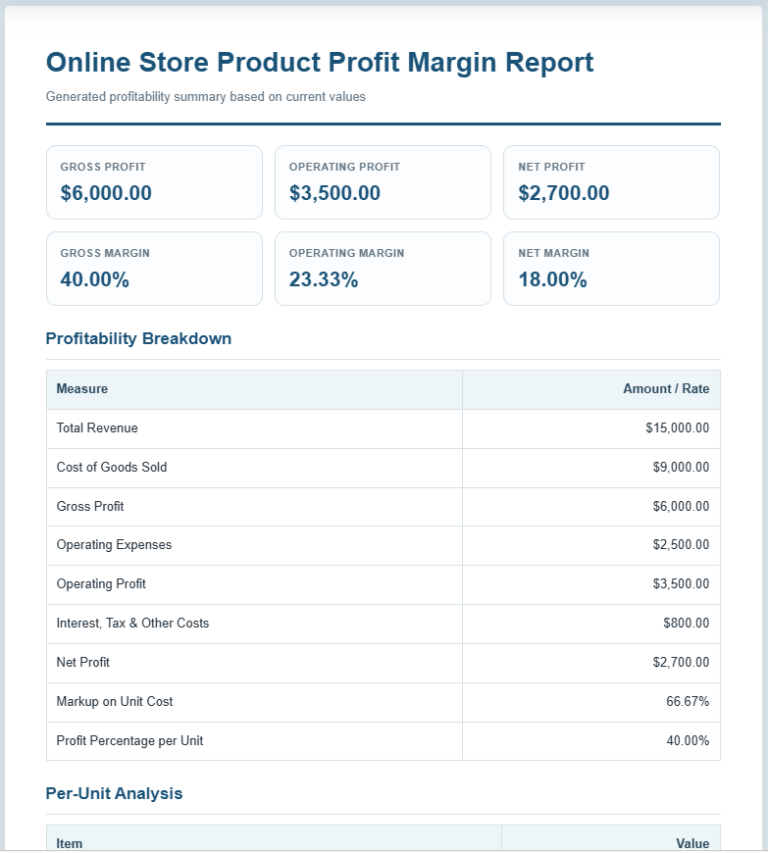
The Profit Margin Calculator is a practical business tool that helps you measure the profitability of your products, services, or overall business operations. Whether you run a small business, an online store, a retail shop, or work as a freelancer, understanding your profit margins is essential for making better pricing and financial decisions. This calculator […]
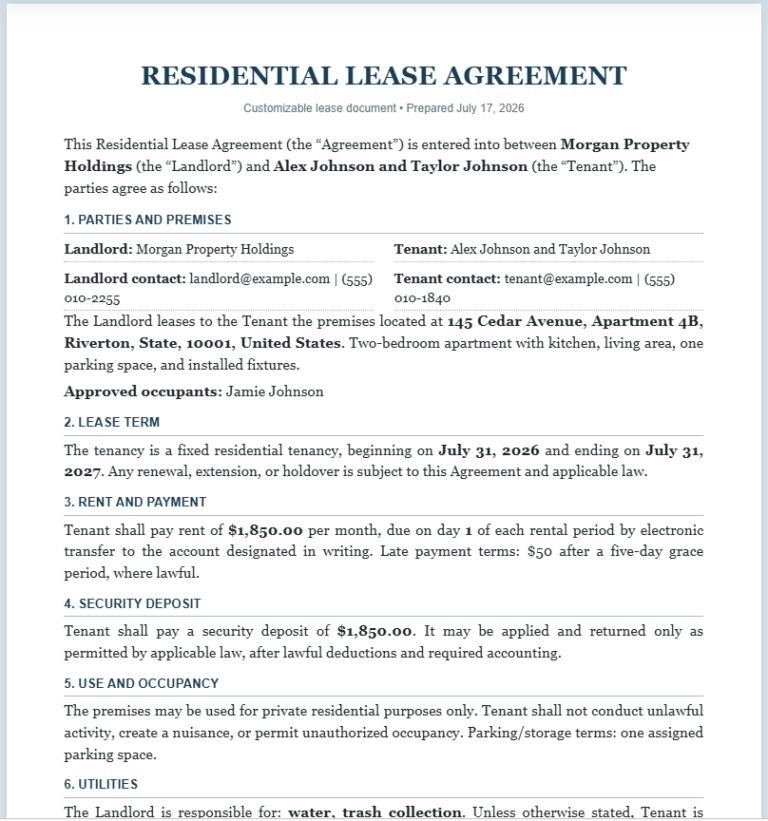
The Lease Agreement Generator is a practical online tool for creating clear and professional rental agreements. It supports residential leases, commercial leases, room rental agreements, and month-to-month tenancy arrangements. Instead of writing an agreement from the beginning, landlords, property managers, tenants, and business owners can enter the required information and generate a properly structured document. […]
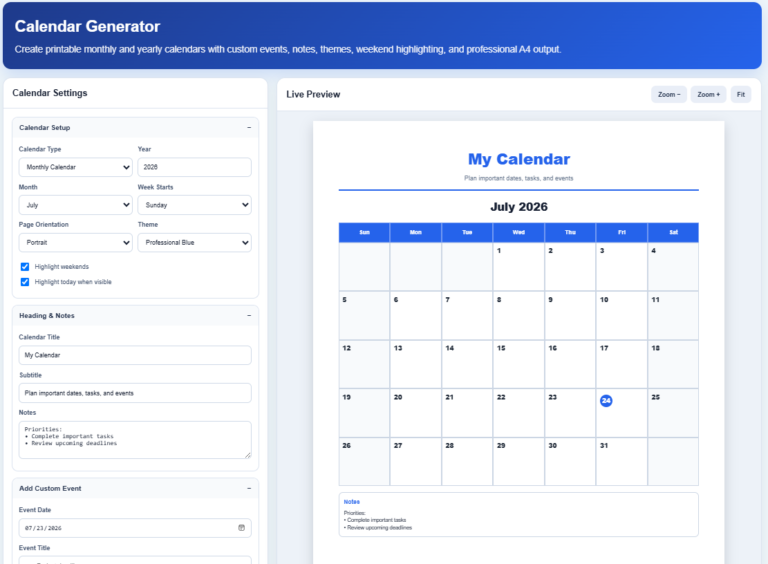
The Calendar Generator is a modern online tool that helps users create professional-looking monthly and yearly calendars in just a few clicks. Whether you need a personal planner, office schedule, academic calendar, project timeline, or family organizer, this generator makes the process simple without requiring any design experience. The clean interface allows you to customize […]
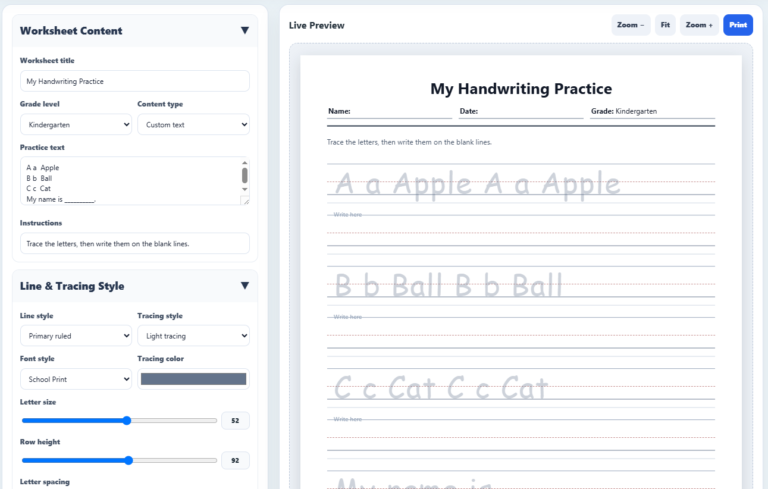
The AI Handwriting Practice Worksheet Generator is an easy-to-use online tool that helps parents, teachers, tutors, and homeschool educators create personalized handwriting worksheets in just a few clicks. Designed for children from Preschool to Grade 5, it allows users to generate high-quality writing practice sheets that match different learning levels and handwriting skills. Whether you […]
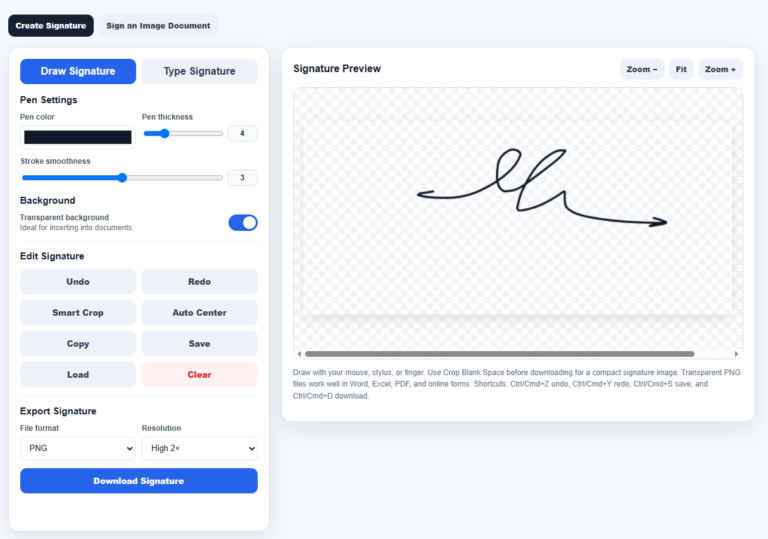
Our Signature Studio is a powerful online signature maker designed to help users create professional digital signatures directly in their web browser. Whether you prefer drawing your signature with a mouse, stylus, or touch screen, or typing your name in an elegant signature style, the tool provides a simple and convenient way to create a […]
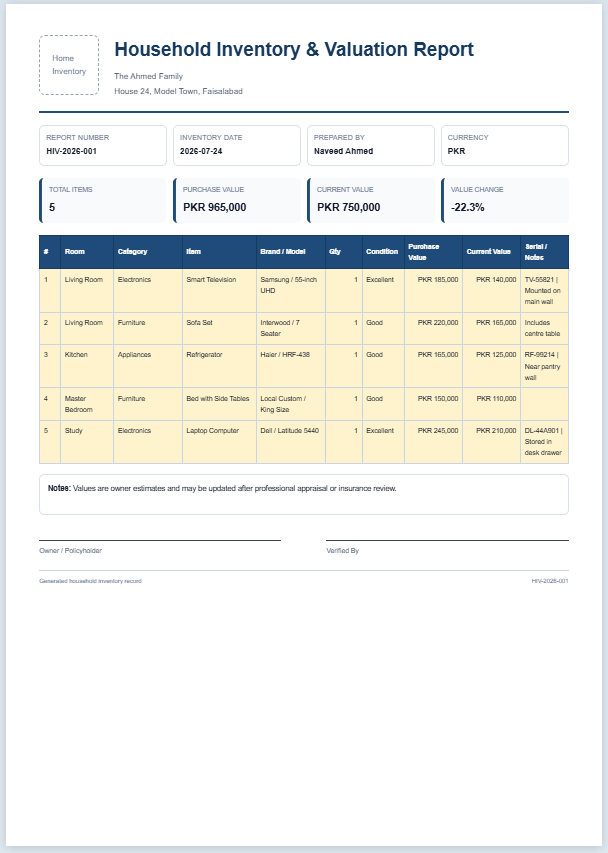
The AI Household Inventory & Valuation Generator is a practical online tool designed to help you create a complete record of your household belongings in a professional and organized format. Whether you want to document furniture, electronics, appliances, jewelry, collectibles, office equipment, or other valuable possessions, this generator makes the process simple and efficient. It […]
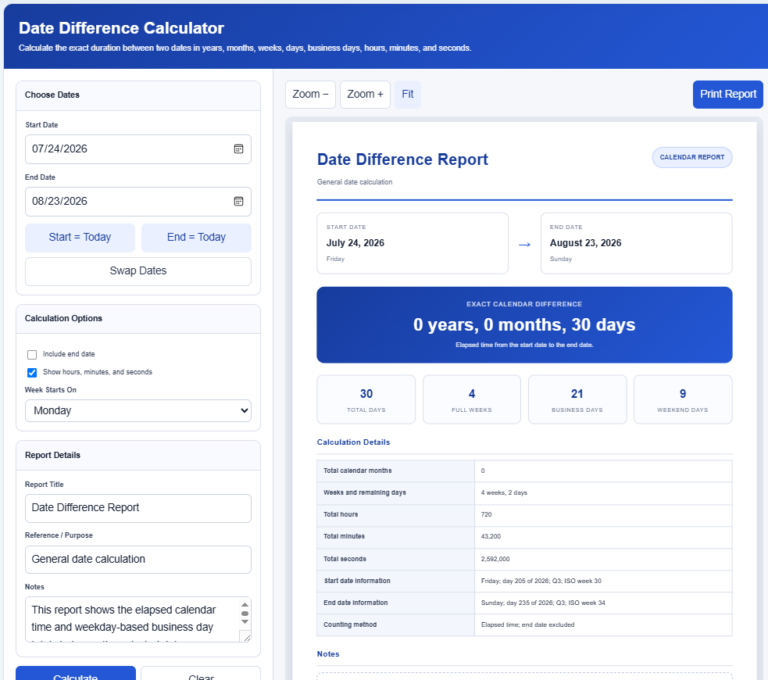
The Date Difference Calculator is a simple and practical online tool that calculates the exact time between two dates in just a few clicks. Whether you need to find the number of days between important events, calculate project durations, measure employment periods, or plan future schedules, this calculator provides fast and accurate results. It can […]
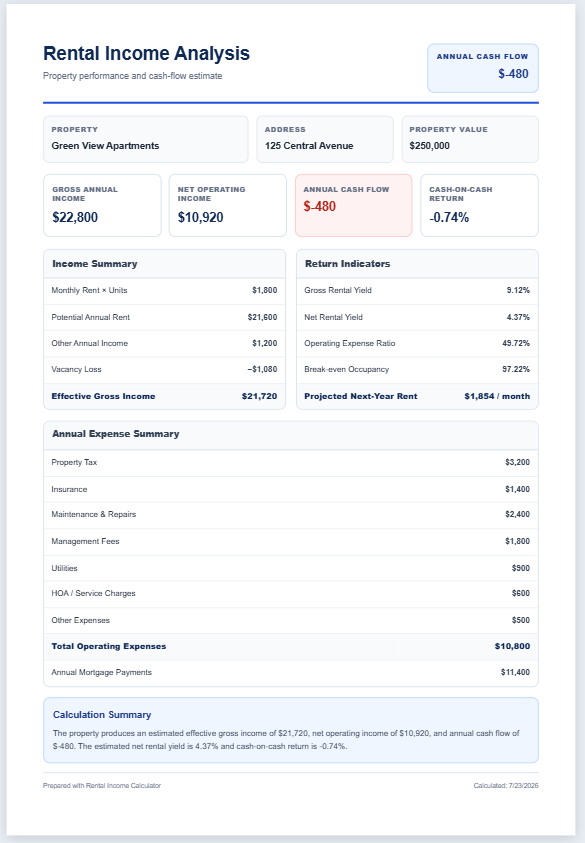
The Rental Income Calculator is a practical online tool designed to help property owners, landlords, and real estate investors estimate the financial performance of their rental properties. By entering details such as monthly rent, vacancy rate, operating expenses, mortgage payments, and additional income, users can quickly calculate important rental property metrics in one place. The […]
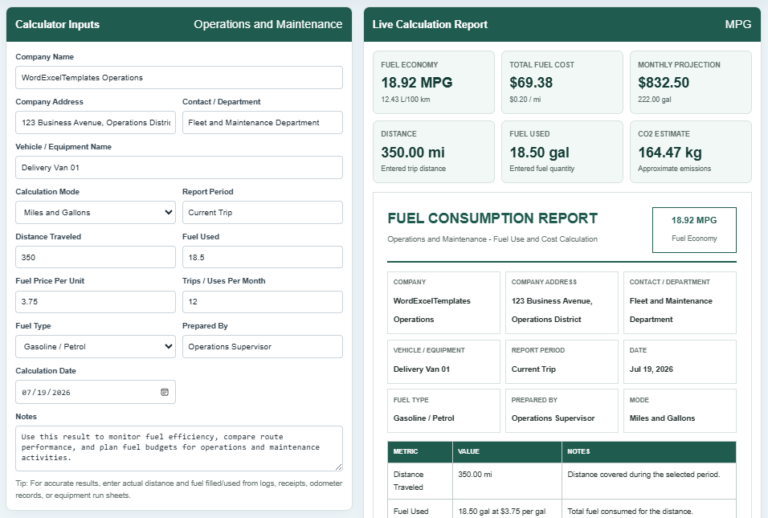
A Fuel Consumption Calculator is a tool that measures how efficiently a vehicle or machine uses fuel over a specific distance. It helps users calculate fuel economy, total fuel consumed, fuel cost, cost per mile or kilometer, and estimated operating expenses. By entering values such as distance traveled, fuel used, fuel price, and the number […]
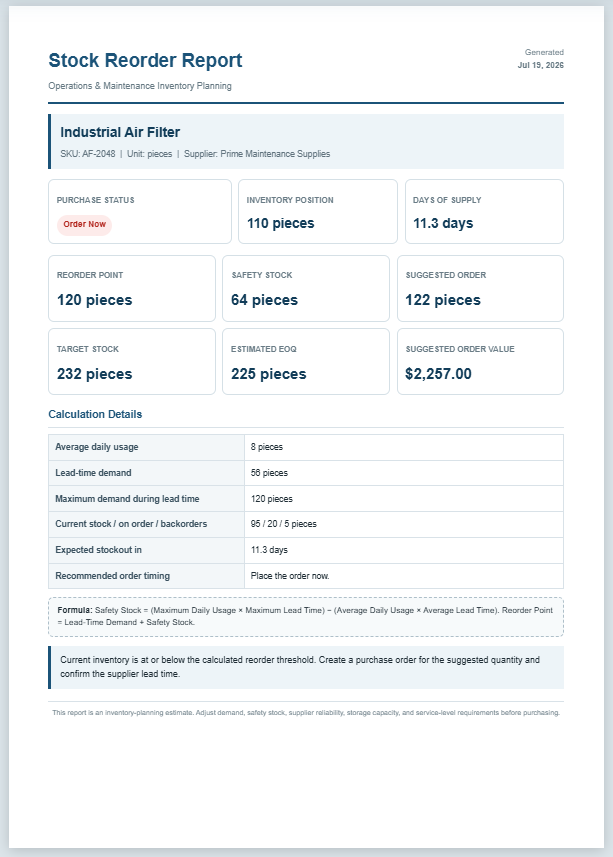
The Stock Reorder Calculator helps businesses determine the right time to replenish inventory before stock levels become too low. It is designed for maintenance departments, warehouses, manufacturing facilities, retail stores, and other organizations that manage spare parts or operational supplies. By entering basic inventory information, the calculator estimates the reorder point, safety stock, suggested order […]