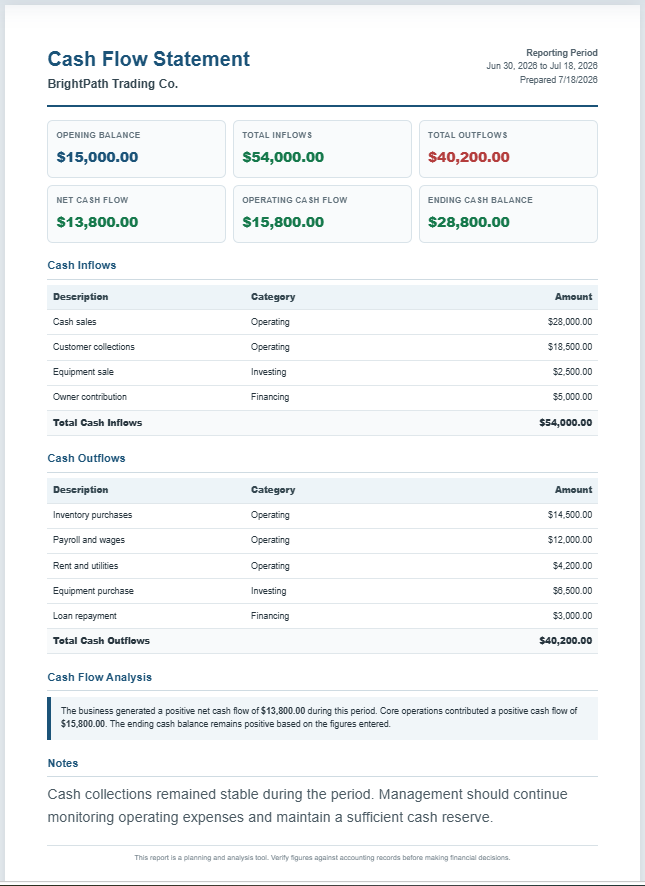
An Inventory Turnover Ratio Calculator is a simple financial tool that measures how efficiently a business manages and sells its inventory. It calculates the inventory turnover ratio using the Cost of Goods Sold (COGS) and average inventory. In addition to the turnover ratio, this calculator also estimates average inventory, Days Inventory Outstanding (DIO), inventory-to-sales ratio, and inventory efficiency.
Why is inventory turnover important?
Inventory turnover is one of the most important performance indicators for retailers, wholesalers, manufacturers, and eCommerce businesses. It shows how many times inventory is sold and replaced during a specific period. A healthy turnover ratio helps businesses maintain the right stock levels, reduce storage costs, improve cash flow, and avoid outdated or slow-moving inventory. Monitoring this ratio regularly supports better purchasing and inventory planning decisions.
How does this calculator work?
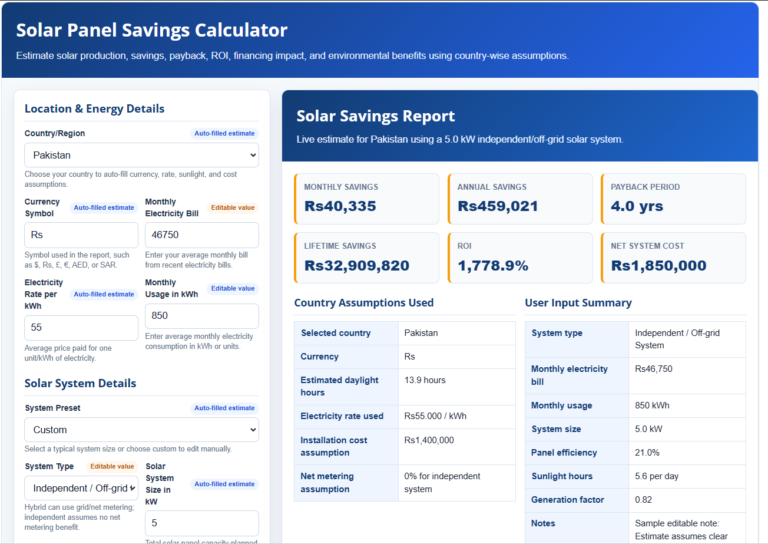
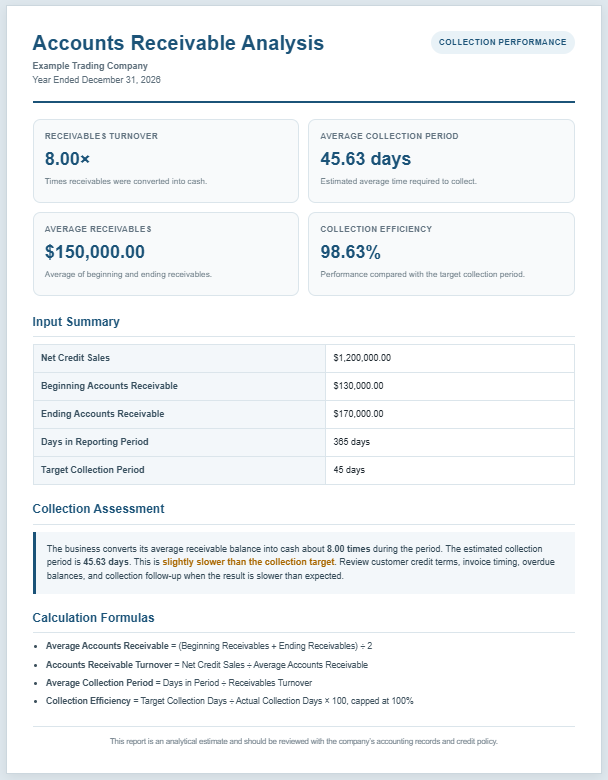
The calculator requires basic inventory information such as beginning inventory, ending inventory, and Cost of Goods Sold (COGS). Users can either enter the COGS directly or allow the calculator to estimate it using beginning inventory, purchases, adjustments, and ending inventory. It then calculates average inventory, inventory turnover ratio, Days Inventory Outstanding (DIO), inventory-to-sales ratio, and other useful inventory metrics. The calculator also generates a professional live report that can be printed or saved as a PDF for future reference.
Inventory Turnover Ratio Calculator
Calculate inventory turnover, average inventory, COGS, days inventory outstanding, and inventory efficiency.
Frequently Asked Questions
Helpful answers for accountants, retailers, manufacturers, eCommerce businesses, inventory managers, and finance students.
1. What is the inventory turnover ratio?
The inventory turnover ratio measures how many times a business sells and replaces its average inventory during a period. It is usually calculated as cost of goods sold divided by average inventory.
2. How do you calculate average inventory?
Average inventory is commonly calculated by adding beginning inventory and ending inventory, then dividing by two. This calculator uses that standard method.
3. What is COGS?
COGS means cost of goods sold. It represents the direct cost of inventory sold during the period. If you do not enter COGS directly, the calculator can estimate it as beginning inventory plus purchases and adjustments minus ending inventory.
4. What is days inventory outstanding?
Days inventory outstanding, or DIO, estimates the average number of days inventory remains on hand before being sold. It is calculated as period days divided by inventory turnover.
5. Is a higher inventory turnover always better?
Not always. Higher turnover can show strong sales and efficient inventory use, but extremely high turnover may signal low stock levels, missed sales, or supply risk.
6. What does low inventory turnover mean?
Low turnover may indicate overstocking, slow-moving products, weak demand, poor purchasing decisions, or obsolete inventory. It can also be normal for industries that sell expensive or slow-cycle goods.
7. Why use COGS instead of sales?
COGS is preferred because inventory is recorded at cost, not selling price. Comparing COGS to average inventory gives a cleaner view of how quickly inventory investment is converted into sales.
8. Can retailers and eCommerce stores use this calculator?
Yes. Retailers and eCommerce businesses can use it to monitor stock movement, identify slow-moving inventory, compare periods, and plan purchasing or markdown decisions.
9. Can manufacturers use inventory turnover?
Manufacturers can use inventory turnover for raw materials, work in process, finished goods, or total inventory. Each category may need its own calculation for better operational insight.
10. Can I print or save the inventory report?
Yes. Use the Print / PDF button to print the live report or save it as a PDF through your browser's print dialog. The input panel and FAQ section are excluded from the printed report.
Who can use this calculator?
This calculator is useful for a wide range of users, including:
- Business owners
- Accountants
- Financial analysts
- Inventory managers
- Retail store owners
- eCommerce sellers
- Warehouse supervisors
- Manufacturers
- Supply chain professionals
- Accounting and finance students
Whether you operate a small business or a large organization, this calculator helps you understand how efficiently your inventory is performing.
What features does this calculator provide?
This Inventory Turnover Ratio Calculator includes several practical features designed for business analysis. It supports multiple currencies, allows annual, monthly, quarterly, or custom reporting periods, calculates average inventory automatically, and provides inventory turnover and Days Inventory Outstanding (DIO). Users can choose between entering COGS manually or calculating it automatically from inventory and purchases. The calculator also provides an inventory efficiency rating, calculation breakdown, inventory-to-sales ratio, sales-based turnover, live report preview, zoom controls, copy summary option, and professional Print/PDF functionality.
When should you use an Inventory Turnover Ratio Calculator?
This calculator is valuable whenever you want to evaluate inventory performance. Businesses often use it during monthly, quarterly, or annual financial reporting. It is also helpful before placing purchase orders, preparing budgets, reviewing inventory policies, analyzing slow-moving products, planning seasonal stock, or comparing inventory performance across different time periods.
What are the benefits of using this calculator?
Using this calculator saves time and eliminates manual calculations. It improves accuracy, provides quick financial insights, and helps businesses identify inventory problems before they become costly. Regular inventory analysis supports better purchasing decisions, improves stock management, reduces carrying costs, minimizes obsolete inventory, and enhances overall profitability. Because the report can be printed or saved, it also serves as useful documentation for financial reviews, audits, and management meetings.
Why choose this calculator?
This Inventory Turnover Ratio Calculator combines multiple inventory performance metrics into one easy-to-use tool. Its professional report layout, automatic calculations, efficiency analysis, flexible input options, and printable results make it suitable for both educational and professional use. Whether you are managing inventory, preparing financial reports, or studying accounting principles, this calculator provides reliable insights that help improve inventory management and business decision-making.