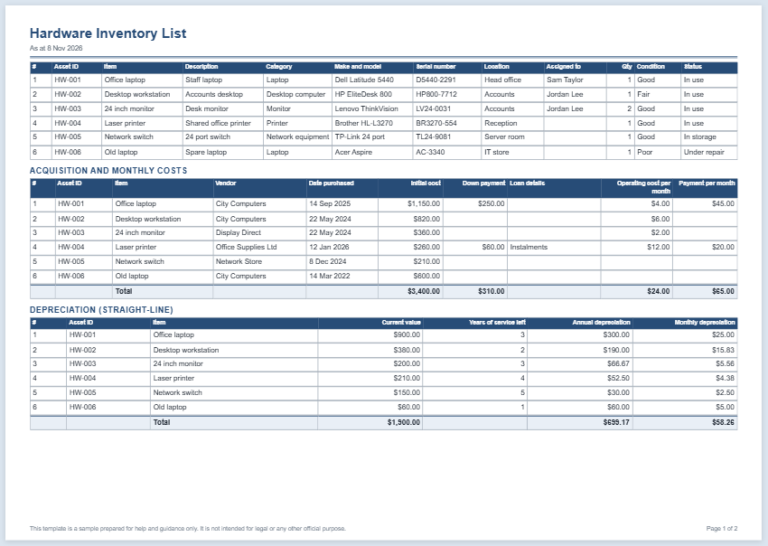
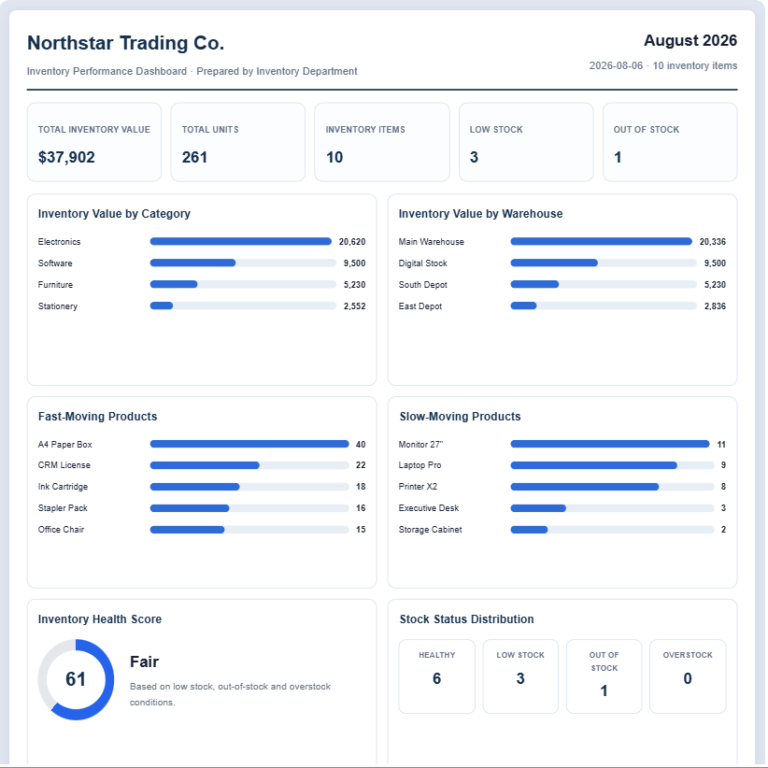
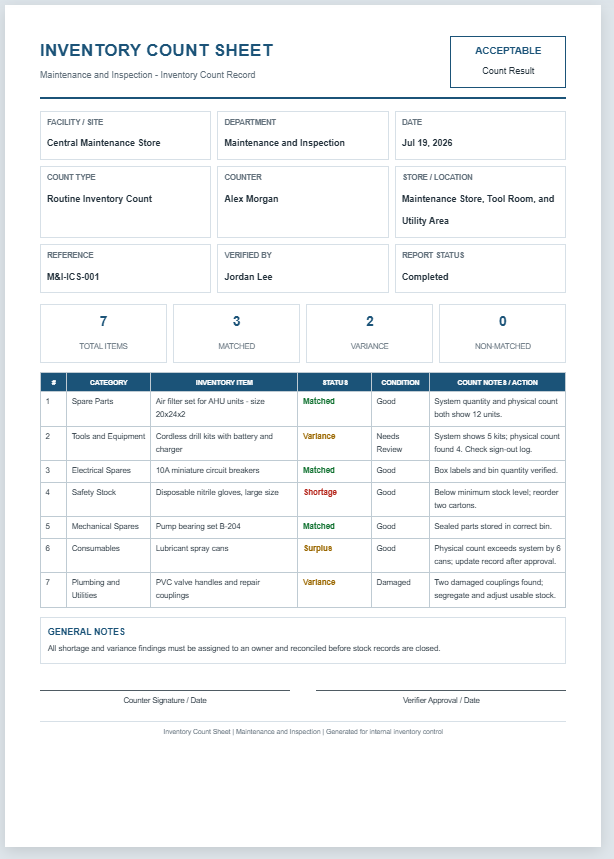
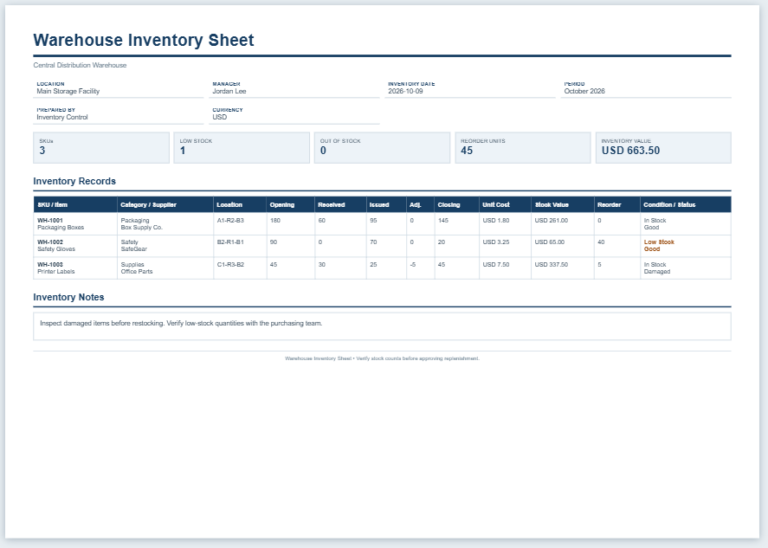
An inventory list is a tool used by businesses all over the world to keep track of the stock of products or materials they use. It suits businesses that buy goods or materials, store them in a warehouse or store room, and then either sell them or use them in their own work.
The list is most commonly used to support requisitions, inventory management, purchasing, and the reconciliation of physical stock with the records. It shows which items are available and which are running low or out of stock, so the purchasing department can order them on time.
The purchasing department can also keep an eye on stock levels through the list. By keeping a good record of all the products, materials or items in the warehouse, the business manages them better, and this helps it make the best use of its stock and improve sales and productivity.
A basic inventory list is easy to create and easy to use. It is best for small businesses and for any business that does not have a large amount of stock to manage.
Create your inventory list below:
Equipment Inventory List with Reorder Highlighted
List your equipment with the quantity in stock and the level at which you need to reorder. Items that are low or out of stock are highlighted for you.
List Details
How Reorder Works
For each item you enter the quantity in stock and a reorder level. When the stock is at or below the reorder level the item is marked Reorder and highlighted in amber. When the stock is zero it is marked Out of stock and highlighted in red.
You can also enter how many to order. If you leave that blank, the list suggests enough to bring the stock up to twice the reorder level.
Equipment Items (up to 100)
Add Many at Once
Only the name is required. The rest can be left out from the right.
What to Print
Page & Style
How to create a basic inventory list?
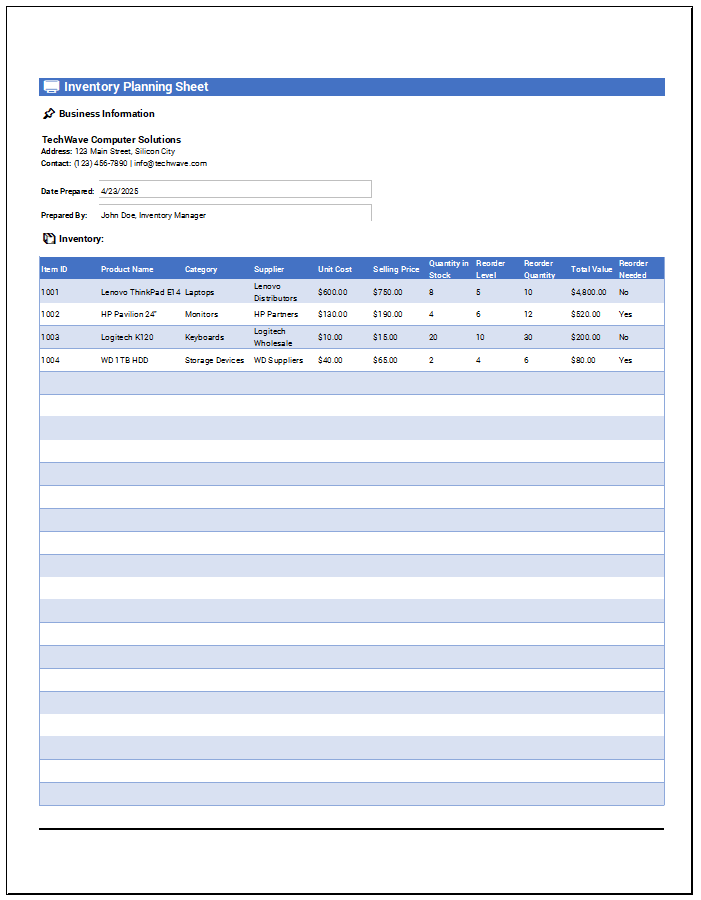
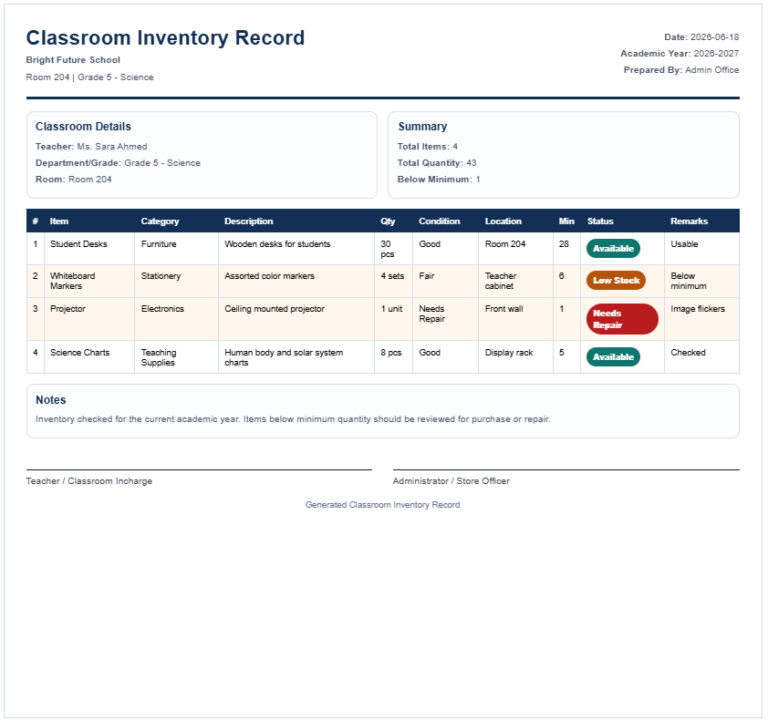
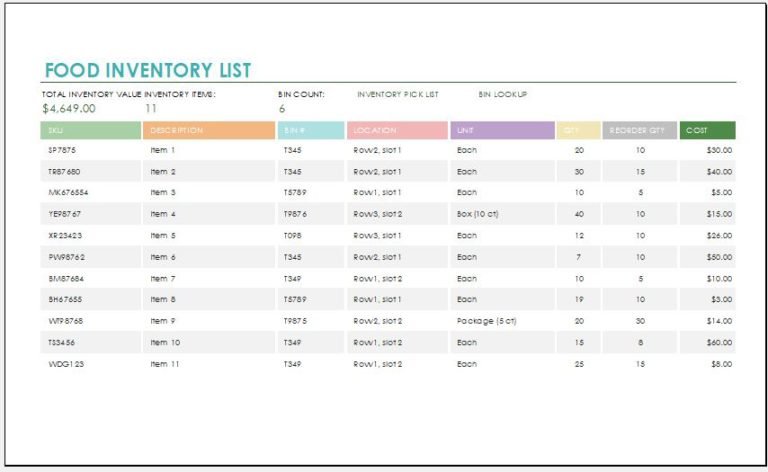
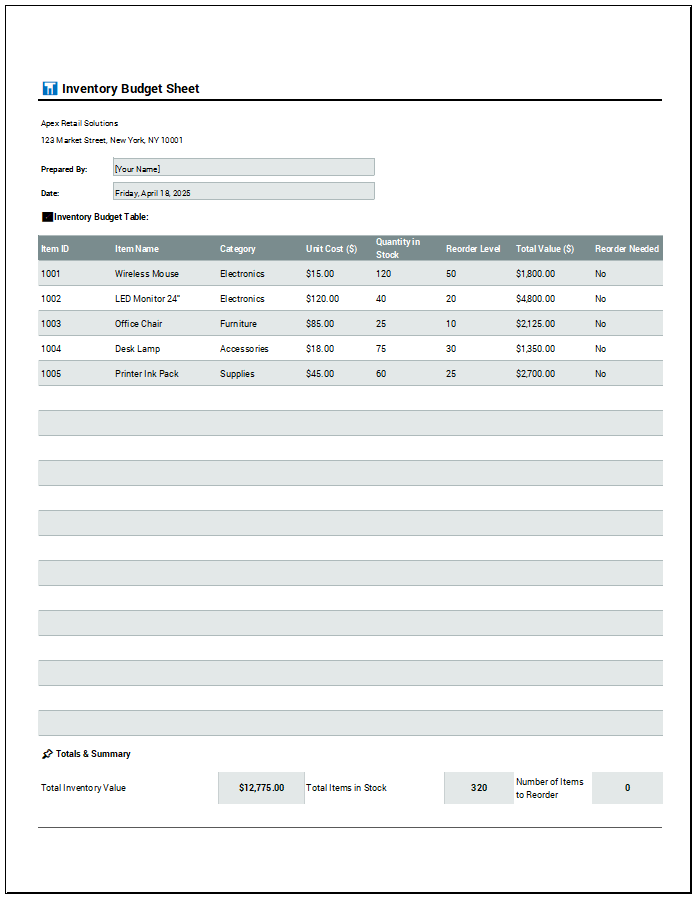
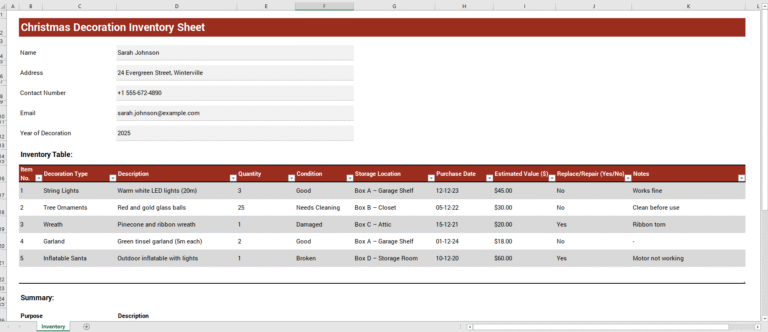
Start the list with the name of the business, and set it out as a table. Give each column its own heading:
- Item name, and an item ID if your business uses one
- Category and location, to show what type of item it is and where it is kept
- Unit, such as pieces, boxes or packs
- Quantity in stock
- Unit cost
- Stock value (quantity in stock multiplied by the unit cost)
- Reorder level, the quantity at which you need to order more
- Order quantity, how many to order when stock is low
- Supplier or manufacturer details
Highlighting items that need reordering
Compare the quantity in stock with the reorder level. When the quantity is at or below the reorder level, mark the item as “Reorder” and highlight it, and mark an item with no stock as “Out of stock”. This lets you see at a glance what needs to be ordered. A separate reorder list, grouped by supplier, then gives the purchasing department a ready list of what to order and the estimated cost.
A simple inventory list makes stock management easy. Its clean design is straightforward to understand, and anyone can use it.

File: Excel (.xls)
Size 34 Kb